Easier rentals, faster service, and more sales.
Tight windows for sowing and harvesting, fluctuating prices for fertilizer and seeds, and machinery that needs to be available exactly when it's needed. In agriculture, every day counts. With ChatWerk, you can bundle all your channels into one central inbox and ensure quick deals without downtime in the field.



12,000+ customers trust ChatWerk every day















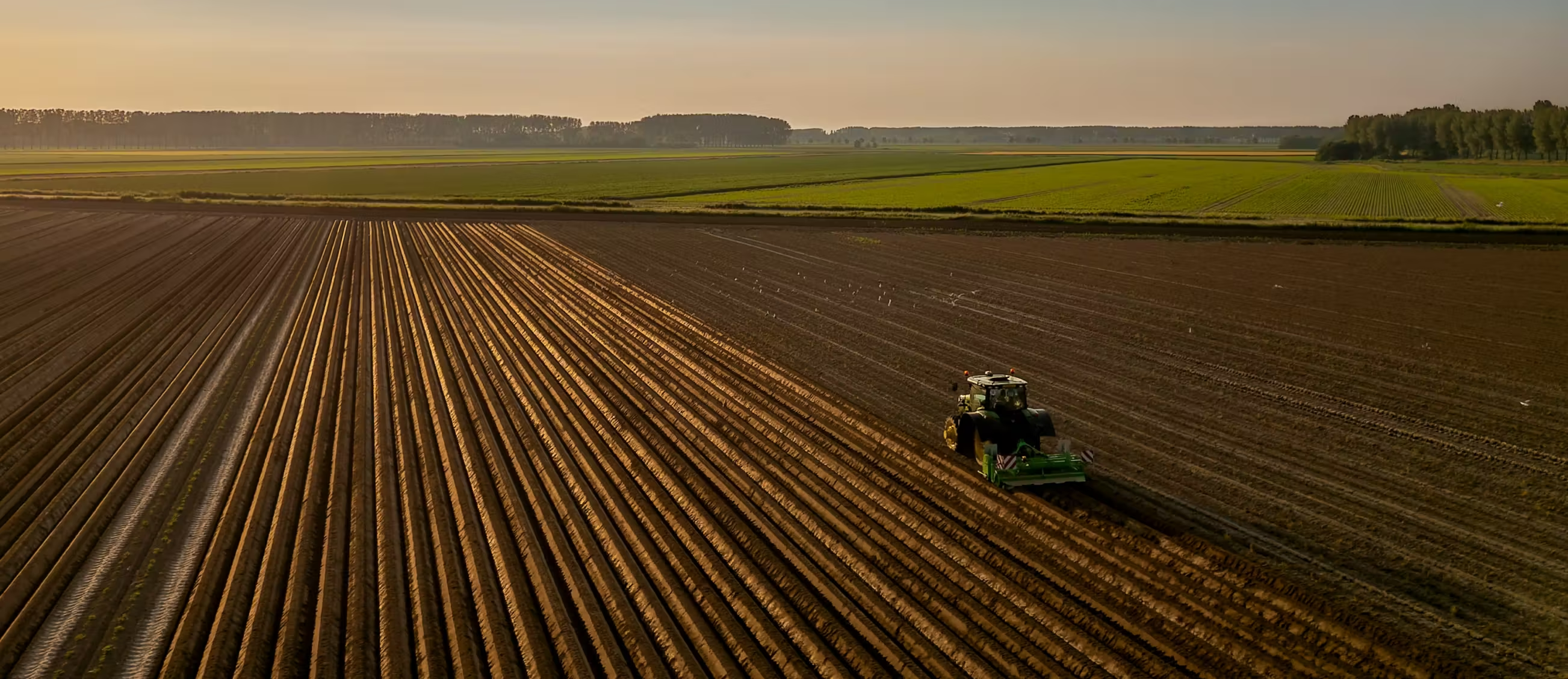
Agricultural applications and fertilizer consulting
Grant applications and fertilizer requirement calculations can now be handled conveniently via chat. Simply use WhatsApp: we answer your questions, check documents, and get your applications safely on their way. So that bureaucracy no longer slows down work on the farm.
WhatsApp for the processes that count every day


Everything your store needs for customer engagement.
WhatsApp Newsletter
Send personalized offers with up to a 98% open rate directly via push notification.

Automation across all channels
Bundle WhatsApp, Instagram, Facebook, live chat, and other messengers into one central interface.

Multimedia
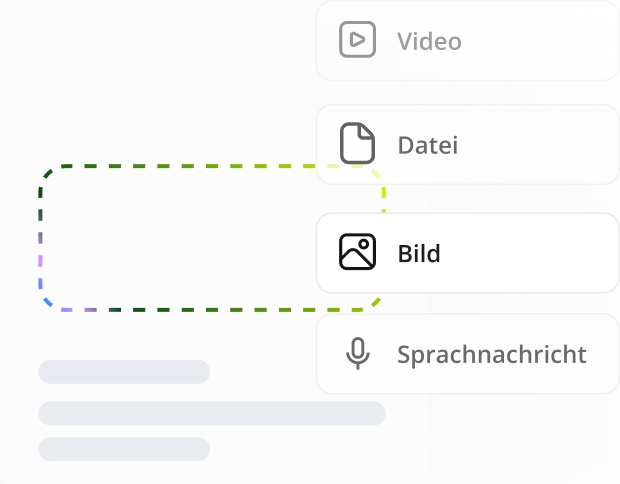
Send images, videos, documents, or voice messages directly in the chat.
Ready-to-use chatflows for your business
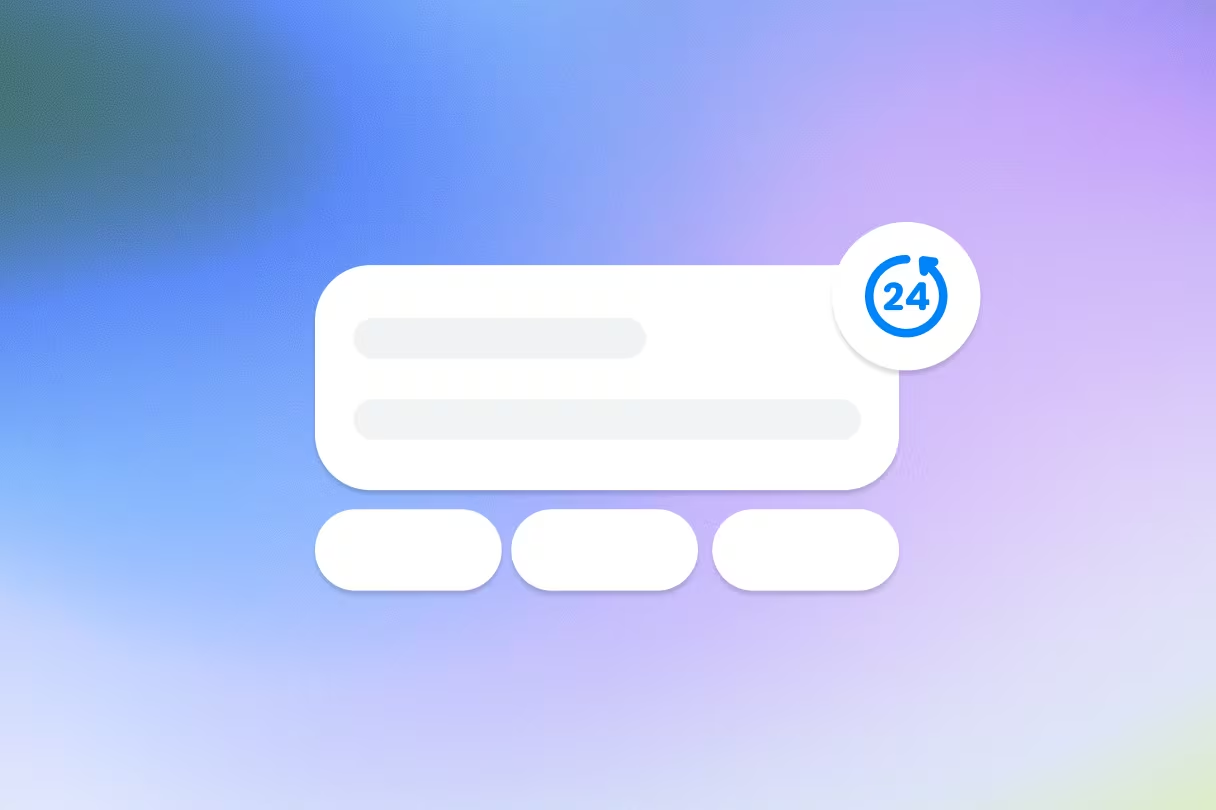
Service response and options
Automatically greet customers even after 24 hours and offer up to 3 options, such as order status, availability, or a callback.
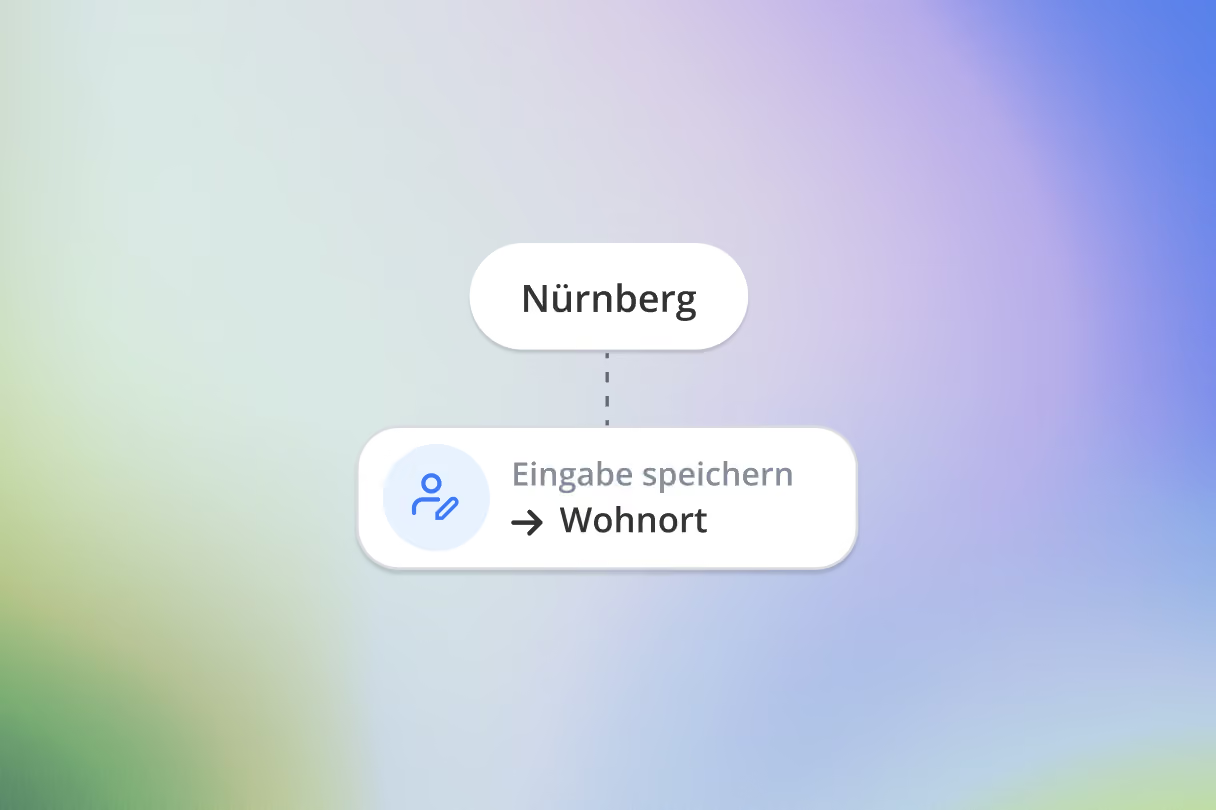
Capture lead
Automatically capture contact details, seed requirements, or location and save them directly to your system.
AI Agent to team
The AI answers standard questions about availability and pricing. Complex inquiries are routed to the team.
A plan that fits your requirements.
One package for all your customers' use cases – without compromising on features or flexibility.
The right ChatWerk solution depends on your channels, teams, and desired features. You get a transparent setup without unnecessary modules and only pay for what your company actually uses.

All use cases covered
Customer service, sales, recruiting, or marketing: with this package, your customers can cover every use case.
Inbox & API
Your customers can use the inbox, the API, or both – whatever they need.
All-inclusive package
Your customers can start simple and grow without ever needing to switch packages.
Frequently Asked Questions
Yes. ChatWerk is a German company that develops its platform to be GDPR-compliant from the ground up, including hosting servers in Germany and using encrypted data transmission.
Basic setup is usually completed within a few hours. Depending on the complexity of your configuration (e.g., multiple channels or automations), it may take a little longer, but we will guide you through the entire process.
No. ChatWerk also runs in your browser. Your team can conveniently reply to messages from their desktop, without needing a separate work phone or app installation.
Yes, in addition to the browser application, ChatWerk also provides a desktop and mobile app—fully compliant with data protection regulations, of course.
Your entire team works from a shared inbox. With labels, internal notes, and clear assignment of who is handling which request, no message will ever be sent twice or fall through the cracks.
Yes, you can generally use your existing business number for WhatsApp Business. We will check this with you during setup and guide you through the migration process.
Yes. You can manage WhatsApp and other messengers like Instagram, Facebook, RCS, or webchat centrally in ChatWerk. Which specific channels are available depends on your chosen setup.