Your automations sell, retain, and win back customers.

Every unanswered message costs you time, nerves, and customers. Build tailored customer journeys that follow up at the right moment and build trust—without your team having to process every single inquiry manually and losing revenue in the process.
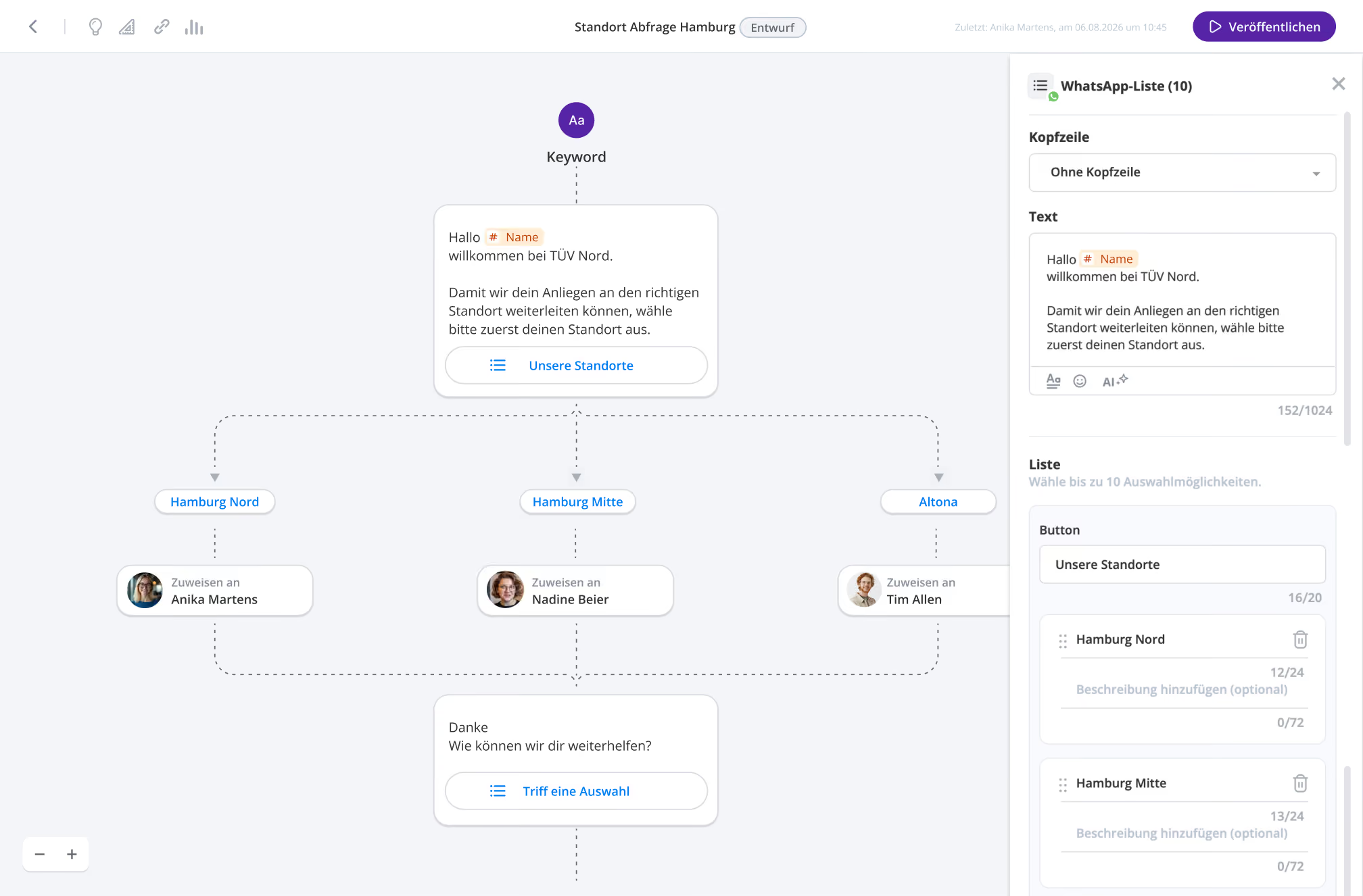
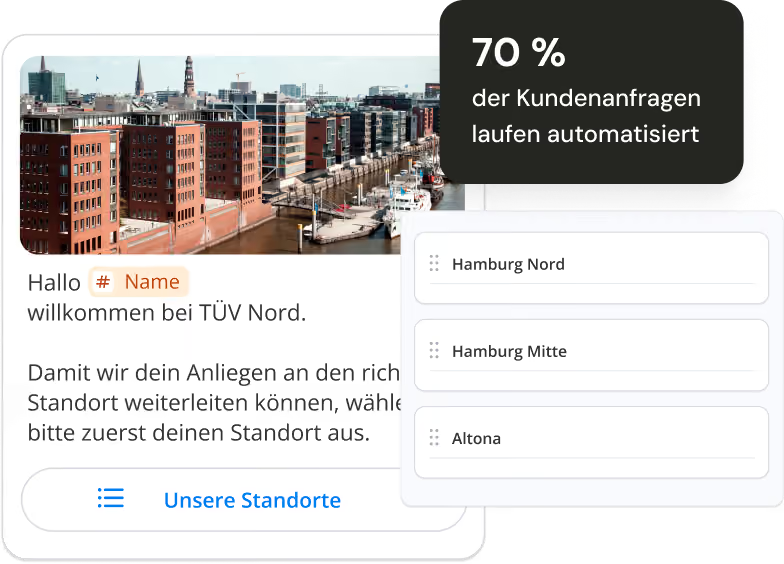
Automatisiertes Chat-Routing und Standort-Zuweisung per WhatsApp-Chatbot mit ChatWerk: Benutzeroberfläche zeigt den visuellen Flow-Builder („Standort Abfrage Hamburg“) mit interaktiver WhatsApp-Auswahlliste und automatischer Mitarbeiter-Zuweisung.

12,000+ customers trust ChatWerk every day

The AI chatbot handles the repetitive tasks.

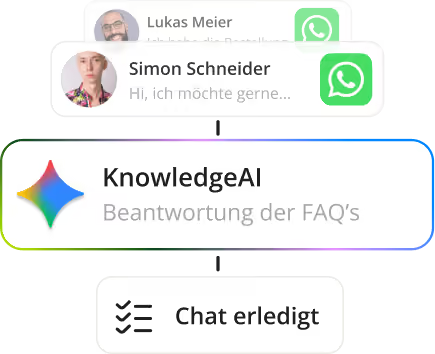
Your team doesn't have to answer every recurring question—the automated chatbot does it for them. Connect KnowledgeAI to your FAQ collection or directly to your ERP and CRM systems. The right answer is available instantly in the chat, with no manual lookup required.

Junge Frau mit schwarzen, schulterlangen Haaren und gestreiftem T-Shirt steht auf einer belebten Straße und schaut konzentriert auf ihr Smartphone.
Illustration eines WhatsApp-Chatverlaufs mit zwei Kontakten, Lukas Meier und Simon Schneider, gefolgt von einer KnowledgeAI-Antwortbox mit dem Text ‚Beantwortung der FAQ’s‘ und einem Symbol für abgeschlossene Chats mit dem Text ‚Chat erledigt‘.

No code required

One login for all your channels and a chatbot you control yourself. Easily create your own chatbot without any programming knowledge and get back your most valuable resource: time.

Person tippt auf einer Laptop-Tastatur in einem hellen, modern eingerichteten Raum mit großen Fenstern im Hintergrund.

24/7 support and marketing

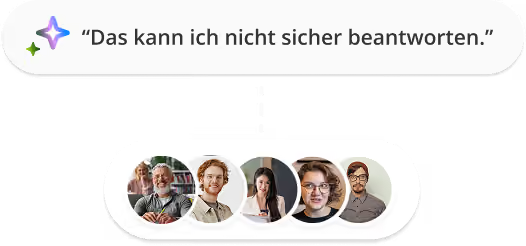
Marketing and support on autopilot: campaigns and re-engagement run automatically. The AI handles standard questions autonomously, and for everything else, it provides your team with smart text suggestions directly in the chat box.

Zwei junge Frauen arbeiten gemeinsam an einem Laptop an einem Schreibtisch neben einem Fenster, eine hält ein aufgeschlagenes Buch und zeigt darauf, die andere blickt interessiert zu.
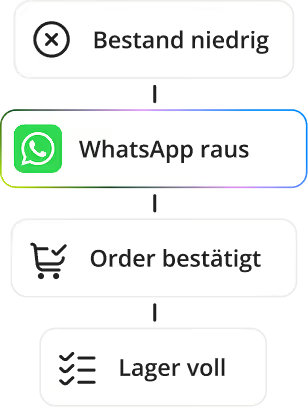
Flussdiagramm mit vier beschrifteten Kästchen: "Bestand niedrig" mit einem Kreuzsymbol, "WhatsApp raus" mit WhatsApp-Logo, "Order bestätigt" mit Einkaufswagensymbol, und "Lager voll" mit einer Checklisten-Ikone, verbunden durch Linien.
Features

Everything you need for intelligent automation.
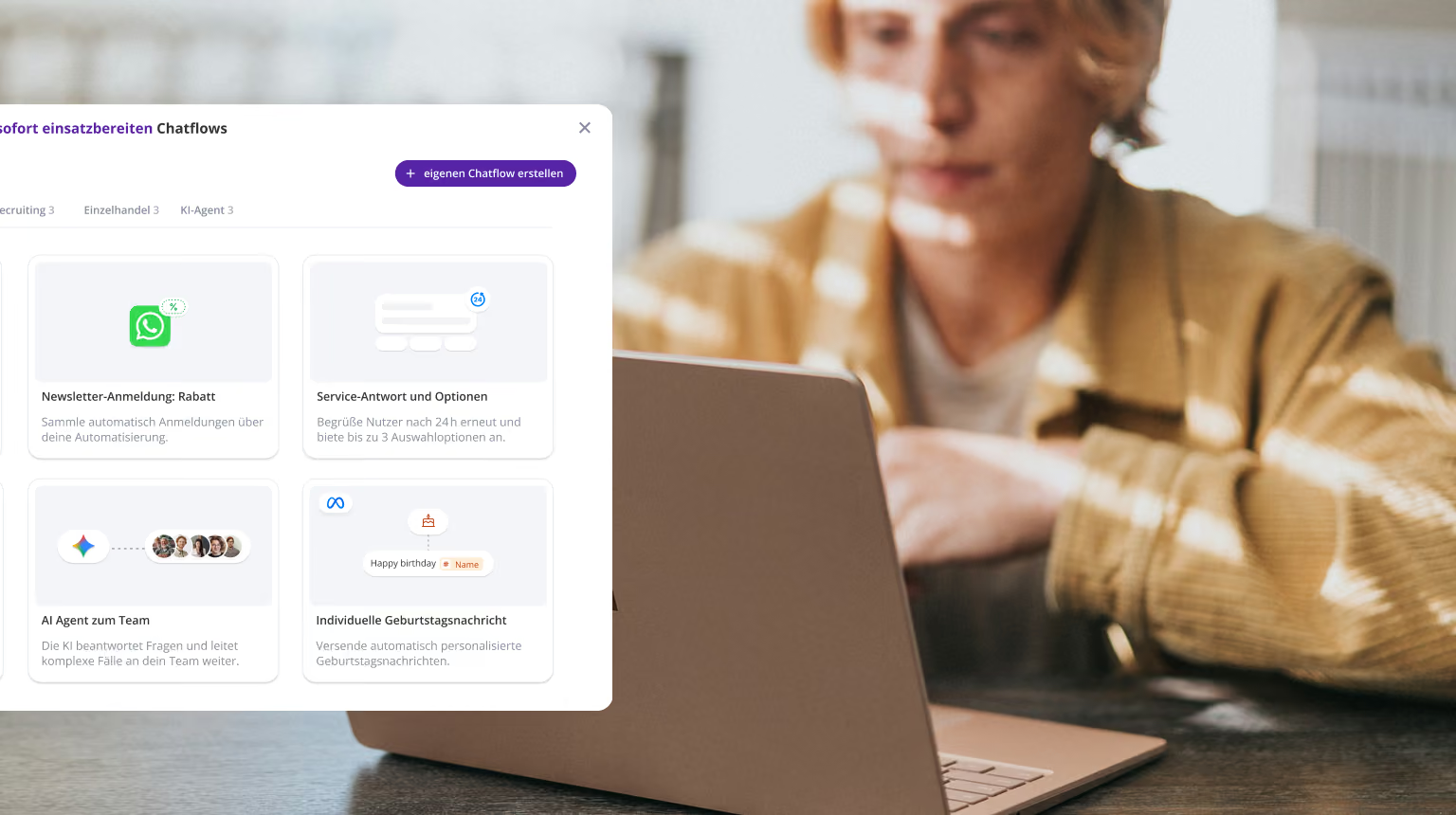
Chatflow Library

Use pre-built conversation flows and adapt them to your specific use case instead of starting every flow from scratch.

Eine Person arbeitet an einem Laptop auf einem Holztisch, daneben ein Fenster mit einer Benutzeroberfläche zur Erstellung von Chatflows mit Automatisierungsoptionen wie Newsletter-Anmeldung, Service-Antworten, KI-Agent im Team und individuelle Geburtstagsnachrichten.

Flexible API & integrations

Seamlessly connect ChatWerk to your CRM, ERP, or shop system so that every automation runs using the data you already have.

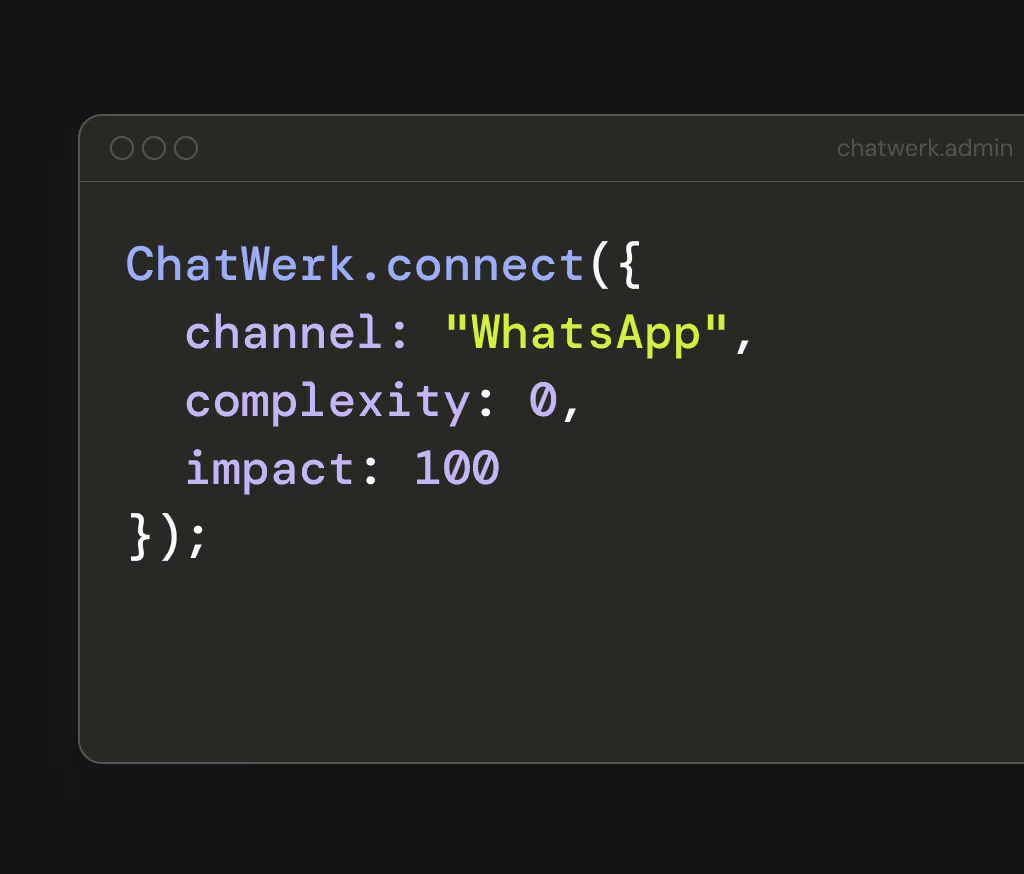
Einfache WhatsApp Business API-Integration ohne technischen Aufwand mit ChatWerk: Grafik zeigt ein Code-Snippet („ChatWerk.connect“) mit den Werten „channel: WhatsApp“, „complexity: 0“ und „impact: 100“ für den schnellen Einstieg ins Messenger-Marketing.

Automation across all channels

Bundle WhatsApp, Instagram, Facebook, live chat, and other messengers into one central interface.
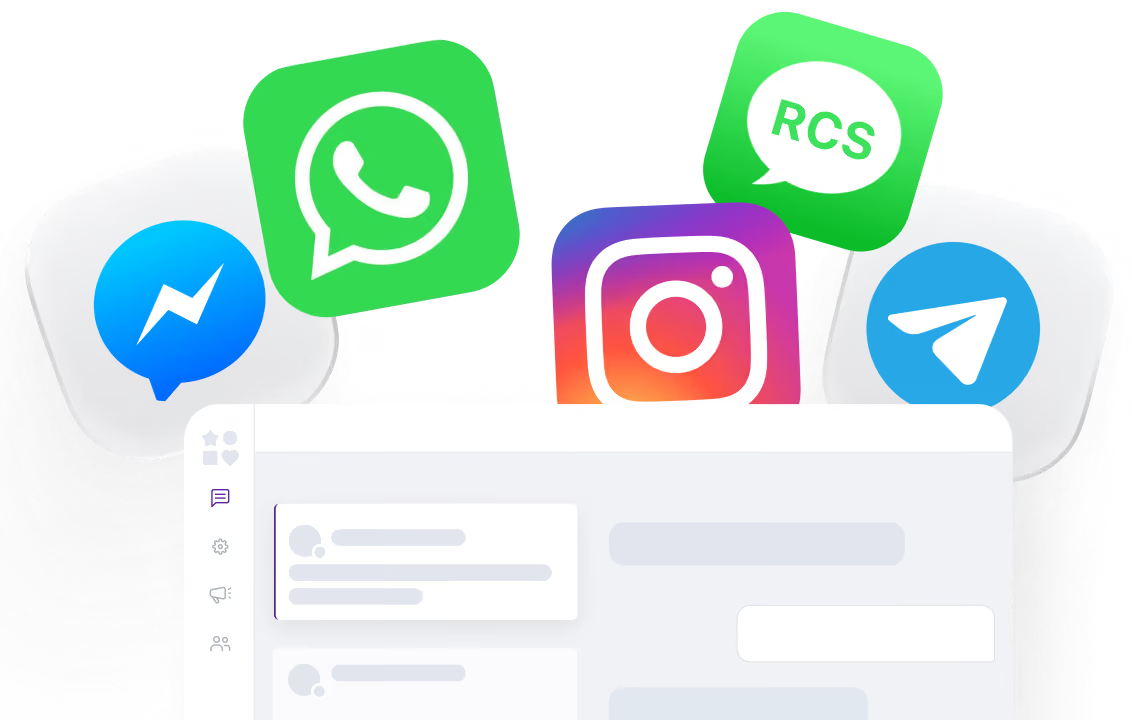
Darstellung eines Chatfensters mit Symbolen der Messaging-Apps Messenger, WhatsApp, Instagram, RCS und Telegram darüber.

No-code builder

Automation without any coding skills.
Flussdiagramm mit vier beschrifteten Kästchen: "Bestand niedrig" mit einem Kreuzsymbol, "WhatsApp raus" mit WhatsApp-Logo, "Order bestätigt" mit Einkaufswagensymbol, und "Lager voll" mit einer Checklisten-Ikone, verbunden durch Linien.

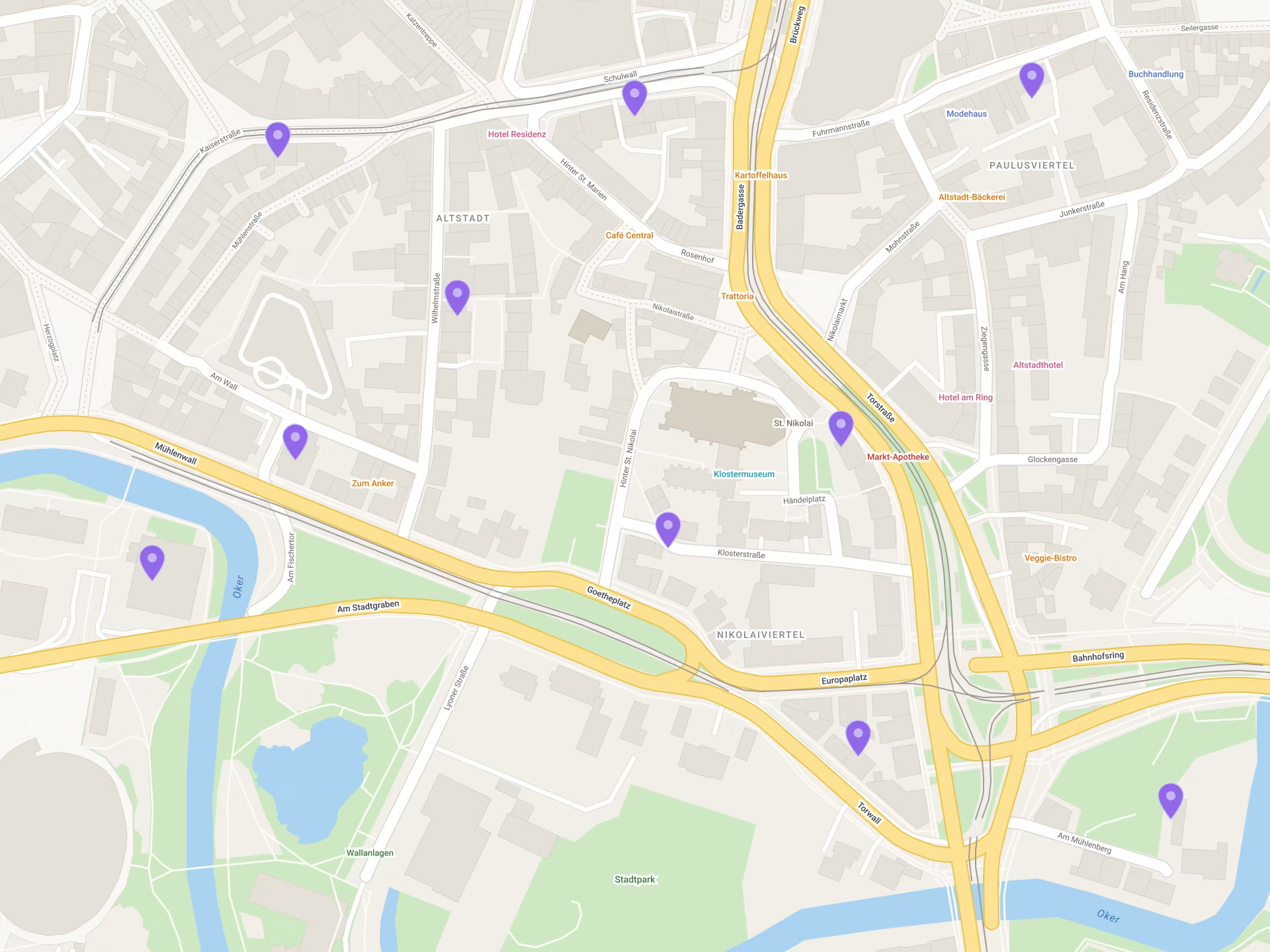
Store locator

Automatically route inquiries from multiple branches or teams to the right location.

Karte einer Innenstadt mit mehreren violetten Standortmarkierungen auf Straßen und Gebäuden, erkennbar sind Flüsse, grüne Parks und Straßen mit gelben Hauptverkehrsadern.

70%

of customer inquiries are handled automatically

Connections for all your integrations

Connect your existing messaging apps to ChatWerk and manage all your conversations directly from your computer, tablet, or smartphone. Depending on your setup, you can even use your existing landline number for WhatsApp—no extra phone or new number required.
Neun App-Symbole in einem 3x3-Raster auf dunklem Hintergrund, einschließlich JTL in der Mitte, und anderen Symbolen wie einem Stecker, einem farbigen Stern, Sprechblase, Zahnrädern und API.
Features

Communicate quickly and easily.

Multimedia

Send images, videos, documents, or voice messages directly in the chat.
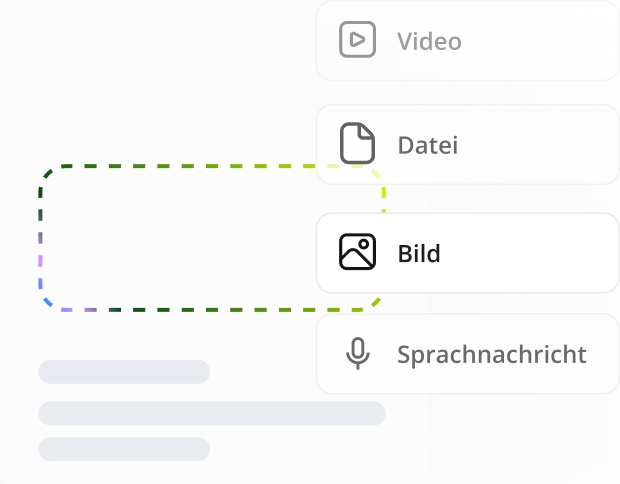
Menü für Dateitypen mit Optionen: Video, Datei, Bild (hervorgehoben), und Sprachnachricht, dargestellt durch Symbole neben den Texten.

Simple editor

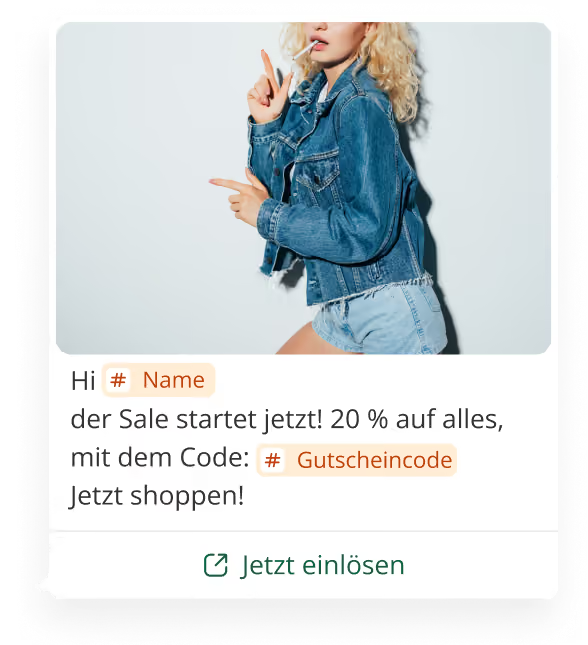
Easily insert dynamic parameters like names, discount codes, or delivery dates with just a click.
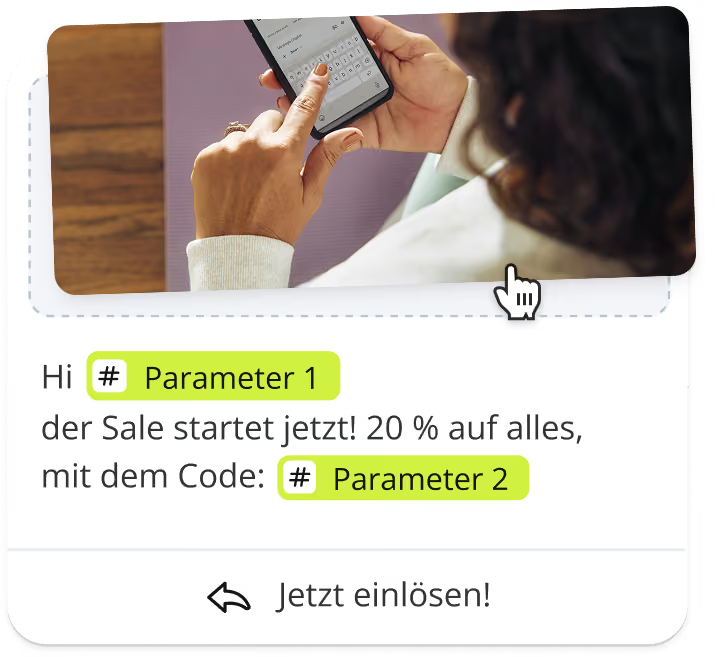
Personalisierte WhatsApp-Newsletter-Vorlagen erstellen mit ChatWerk: Grafik zeigt ein interaktives WhatsApp-Marketing-Template mit individuellem Header-Bild, dynamischen Variablen („# Parameter 1“, „# Parameter 2“) und direktem „Jetzt einlösen!“-Button für höhere Conversion-Rates.

Flow triggers

Respond to inquiries faster, book appointments via WhatsApp, and free up more time for your projects.
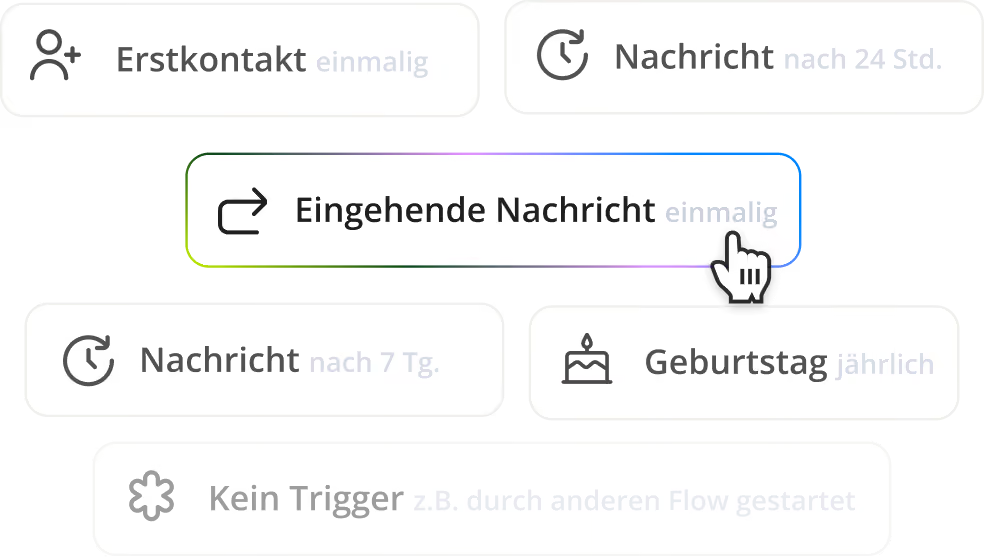
Diagramm mit sechs grauen und weißen Schaltflächen zur Automatisierung, darunter 'Erstkontakt einmalig', 'Nachricht nach 24 Std.', hervorgehobene weiße Schaltfläche 'Eingehende Nachricht einmalig' mit einem Cursorzeiger, 'Nachricht nach 7 Tg.', 'Geburtstag jährlich' und dunkelgraue Schaltfläche 'Kein Trigger z.B. durch anderen Flow gestartet'.

Birthday wishes

Surprise your customers with automated birthday wishes or multi-stage campaigns.
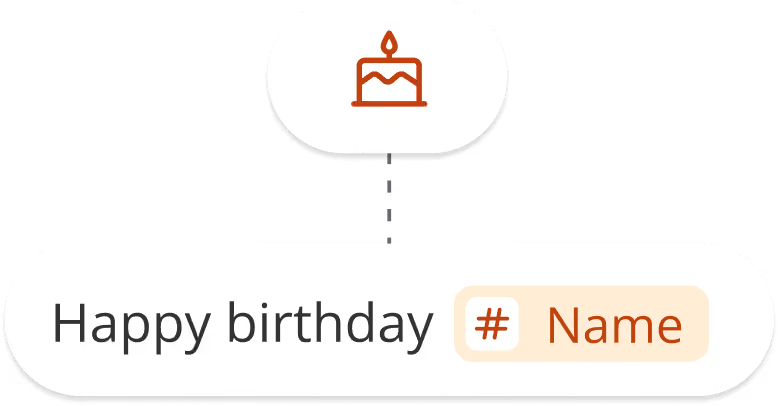
Sprechblase mit Geburtstagskuchen-Symbol darüber, Text in Sprechblase lautet: "Happy birthday # Name".

Share chatflow

Share via link: Easily transfer chatflows to other workspaces and continue working immediately.
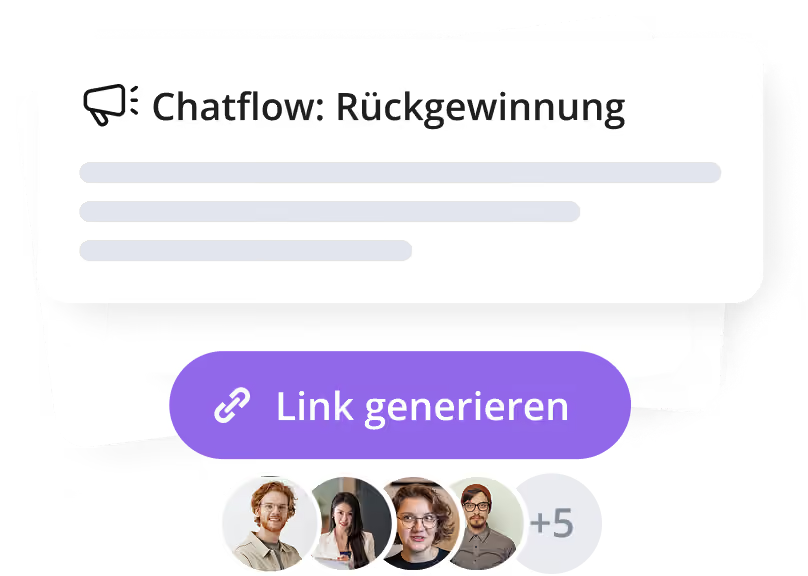
Automatisierte Kundenrückgewinnung per WhatsApp-Chatflow mit ChatWerk: Grafik zeigt den Einstieg in einen Reaktivierungs-Flow („Chatflow: Rückgewinnung“) über einen generierten Direktlink für Bestandskunden

Automated review

Collect valuable feedback on autopilot: Automatically request satisfaction ratings and reviews.
Fünf goldene Sterne, die eine vollständige 5-Sterne-Bewertung anzeigen.
Security

Marketing Opt-in and GDPR

Manage consents centrally, communicate transparently, and keep track of your opt-ins and opt-outs.

  • GDPR-compliant communication
  • Custom roles and access rights
  • Documentation of marketing subscriptions and cancellations
  • Opt-out available at any time
Breites Banner mit einem weichen, abstrakten Farbverlauf in dunklem Petrol, Salbeigrün, Hellblau und Flieder.

How do automations work in ChatWerk?

ChatWerk automates recurring customer communication via WhatsApp and other messengers, 24/7. You can build chat flows in the visual builder without any programming knowledge or use ready-made templates. Simple flows can be live in just a few minutes. If a flow uses WhatsApp templates, Meta typically approves them within 24 hours. The AI chatbot answers standard questions based on your FAQ, CRM, or ERP, and hands off everything else to your team. In the KPI dashboard, you can see how well each flow is achieving its conversion goals.

Contact

Let's talk.

Want to know how ChatWerk fits your needs? Tell us what you're planning. We'll listen, give you an honest assessment of whether and how ChatWerk is a good fit for you, and show you live what's possible.

Porträtfoto von Stella eine Mitarbeiterin von ChatWerk, die freundlich und offen in die Kamera lächelt.
Hi, nice to meet you. I'm Stella. 👋
Porträtfoto von Oliver dem CEO von ChatWerk, der freundlich und offen in die Kamera lächelt.
I'm Oliver from ChatWerk. How can I help? 🤓
Porträtfoto von Kerstin eine Mitarbeiterin von ChatWerk, die freundlich und offen in die Kamera lächelt.
Great to meet you. I'm Kerstin. ✌️

Honest assessment instead of a sales pitch

Live demo tailored to your use case

Concrete ideas you can implement immediately

Google RCS Certified Partner
Meta Business Partner
Made in Germany
DSGVO konform
Serverstandort Frankfurt, Deutschland
FAQ

Frequently Asked Questions

Can automations be connected to my existing tools?

Yes. You can do this either by integrating the ChatWerk API into your systems or by using one of our tech and integration partners. This allows you to connect ChatWerk with common CRM, shop, and marketing tools, enabling automations to access customer data directly and trigger actions in other systems.

Can I see how well my automations are performing?

Yes. You can set conversion goals and use the KPI dashboard to see how well your flow is performing.

Do automations work outside of business hours?

Yes, your flows run 24/7. They answer inquiries, qualify leads, and re-engage inactive customers even in the evenings, on weekends, and on holidays.

Can I combine automations with real human agents?

Yes. Automations handle standard inquiries and automatically route more complex cases to the right person on your team, including all previous chat information.

How quickly can I launch an automation?

Simple flows can be built in just a few minutes. Use ready-made templates as a starting point or build your own flow from scratch—both are quick to create. For WhatsApp Flows, templates still require approval from Meta before the automation can go live, which typically takes less than 24 hours.

Do I need programming skills to create automations?

No. ChatWerk works completely without code. You can build your automations in our Chatflow Builder Playground with a visual preview or choose from one of the many presets in our library—no technical expertise required.