WhatsApp for your entire team, not just your work phone.
The WhatsApp Business API is Meta's official gateway for businesses. With ChatWerk, your team can manage conversations through a single number, complete with individual logins, chatbots, newsletters, and CRM integration.


WhatsApp Business API features for your team
Team inbox, newsletters, and automation. These three things aren't possible with the standard business app, but they are with the API via ChatWerk.
Use WhatsApp with multiple team members
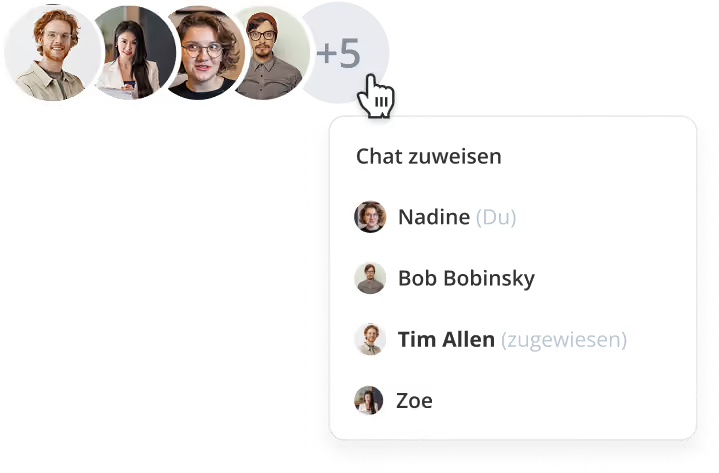
No more sharing a single work phone. With the WhatsApp Business API, your entire team can message from one number, with everyone using their own login.
- One inbox for all your chats—on your browser, desktop, iOS, and Android.
- Chat assignment, including internal notes and labels
- Roles and permissions can be adjusted at any time


Send WhatsApp newsletter
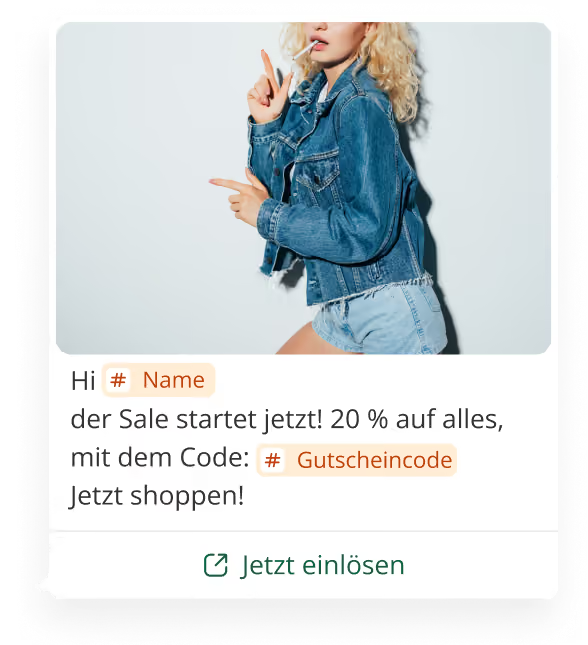
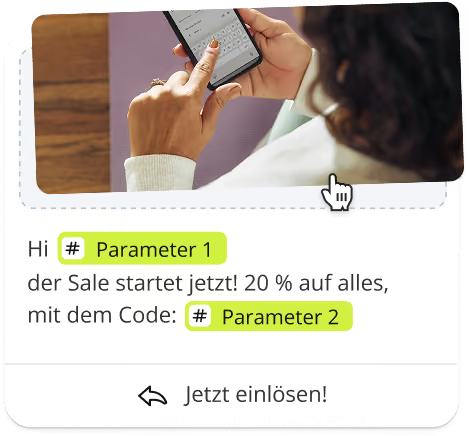
Emails get lost in the inbox, but WhatsApp messages land right on the lock screen. This allows you to reach contacts directly via push notifications featuring images, buttons, links, and personalized content.
- Collect opt-ins via form, link, or QR code
- Segment contacts and plan campaigns
- View and assign replies directly in the team inbox
Automate WhatsApp and connect it to your CRM
Tired of answering the same questions over and over? Let live chat handle it and have your contacts and conversations flow directly into your CRM. You can build your messages in the editor without writing a single line of code.
- Ready-made chatflows, response assistant, and AI agent
- HubSpot, Zapier, and a custom API
- Hand off to your team as soon as a topic becomes too complex

How does the WhatsApp Business API work?
In short: Your customers message you on WhatsApp as usual. The message automatically lands in your ChatWerk inbox, your team replies from there, and ChatWerk handles all the technical heavy lifting in between.
All channels in one inbox
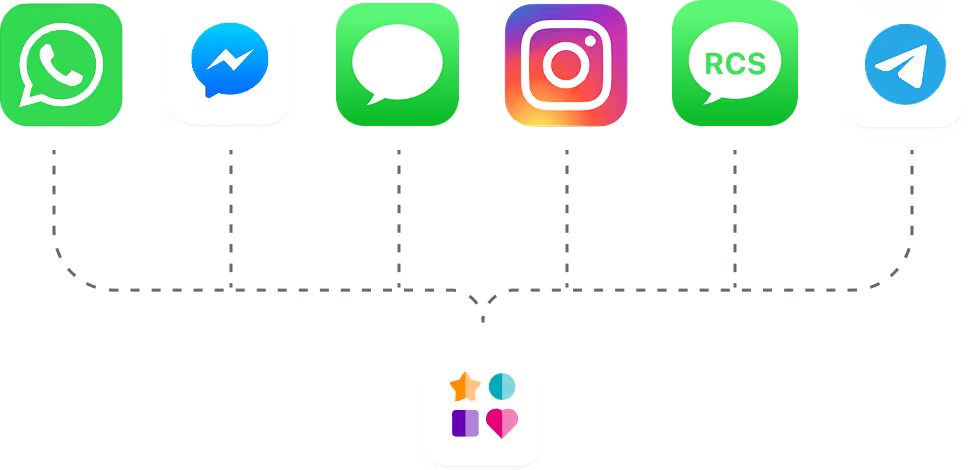
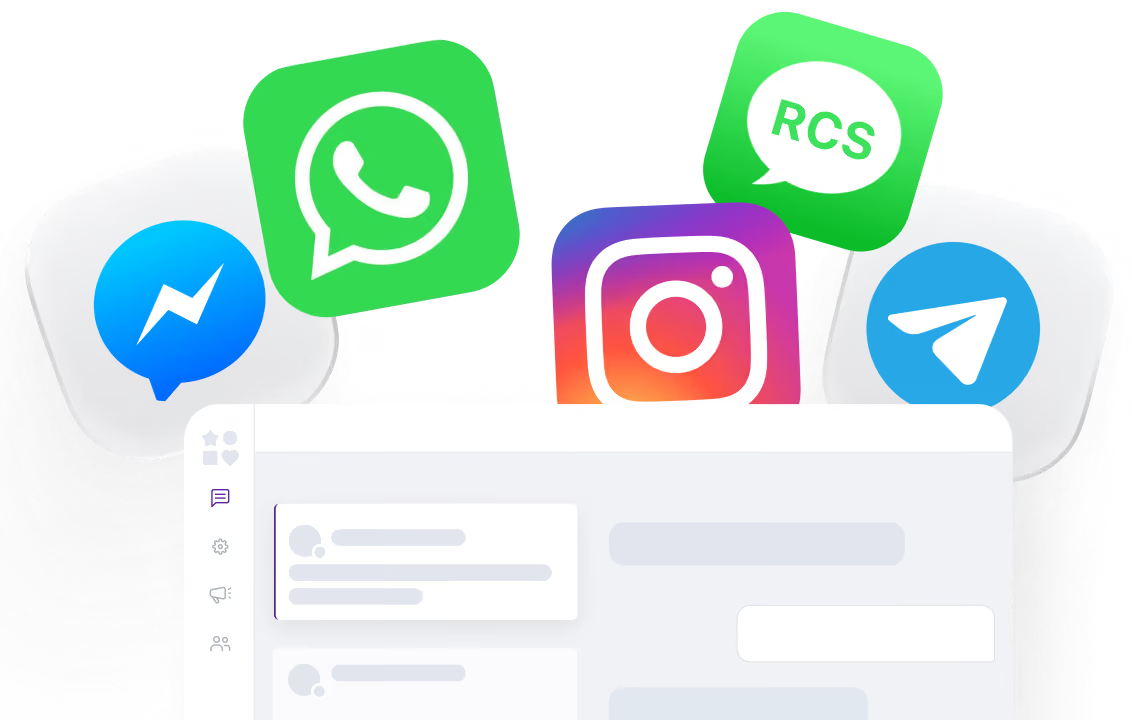
Bundle WhatsApp, Instagram, RCS, and more into a single, centralized view.
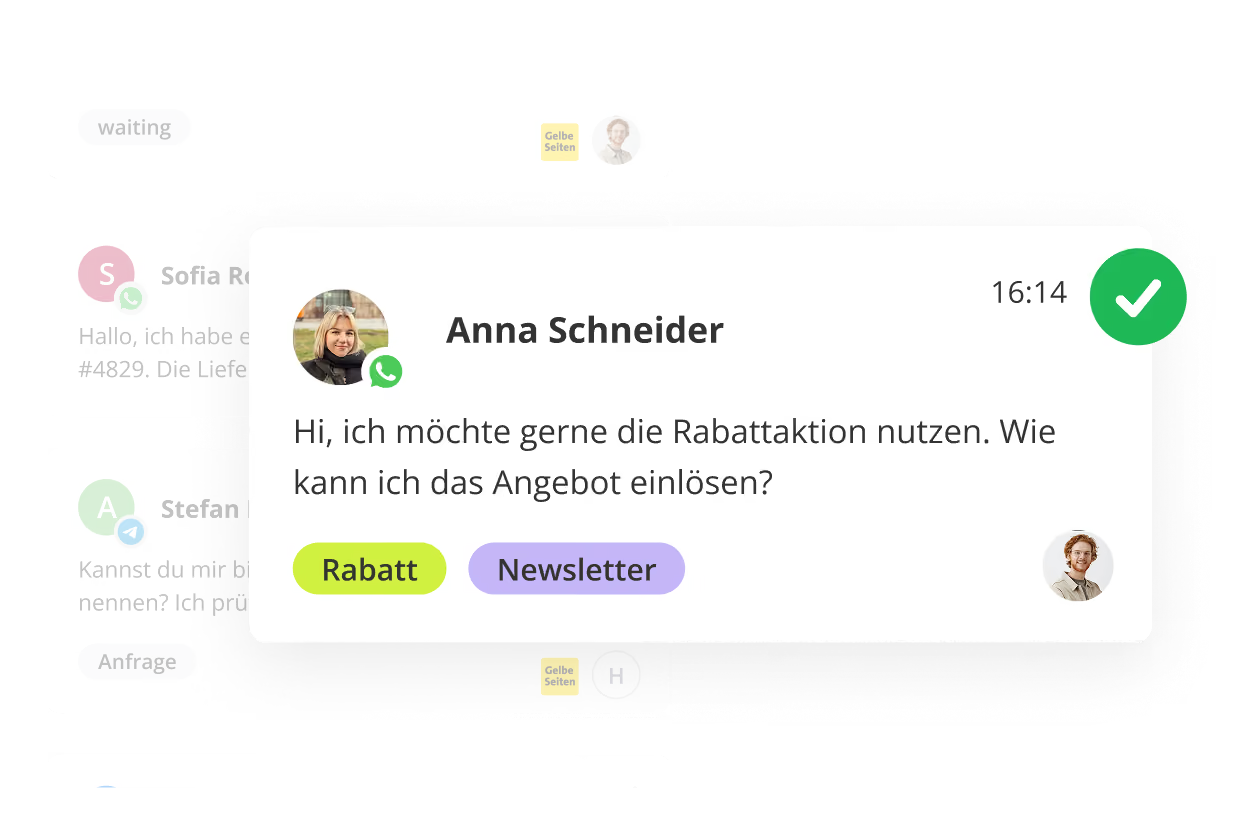
Tags & Status Filter
Categorize inquiries by relevance, topic, or sales stage.
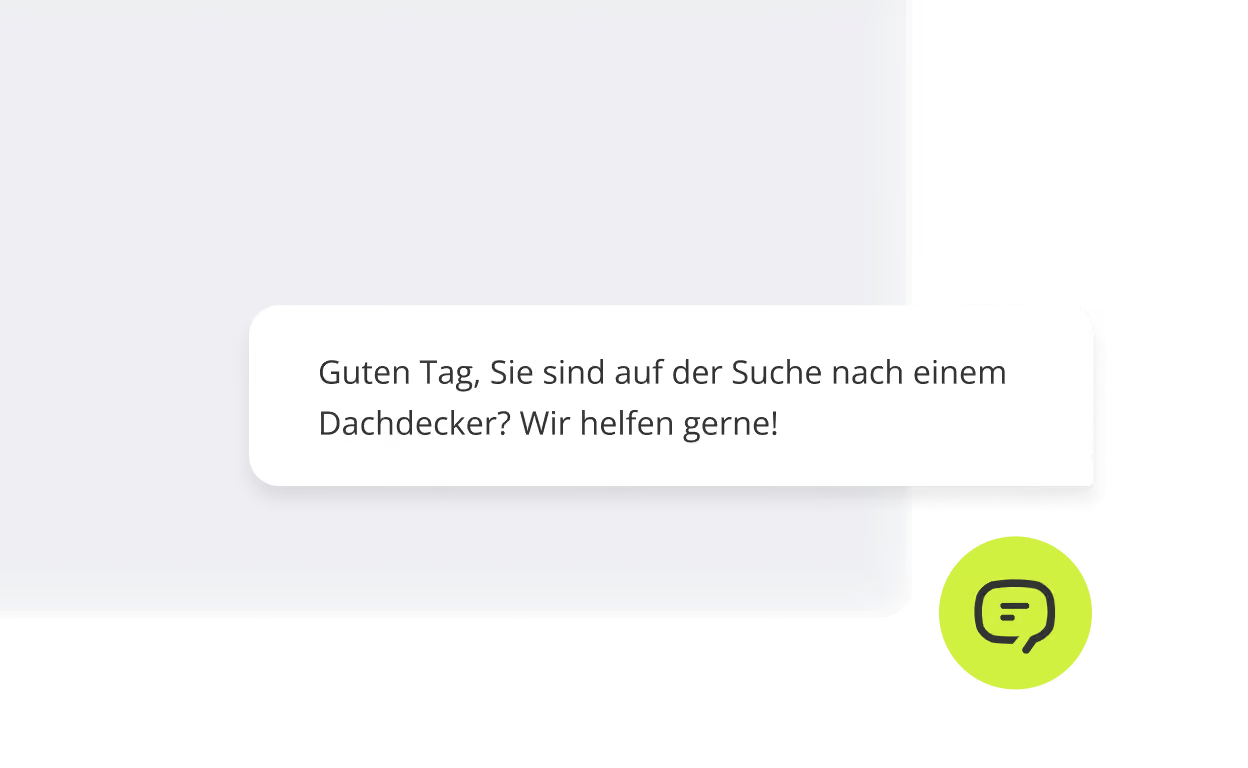
Live chat
Greet your website visitors directly and turn them into valuable leads.
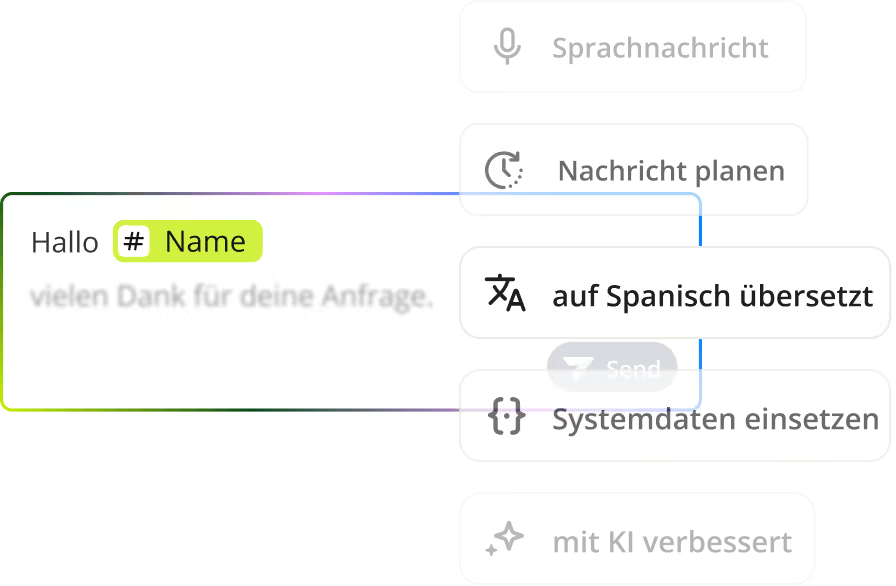
Text Elements & AI Responses
Answer standard questions with a click or let AI suggest suitable responses.
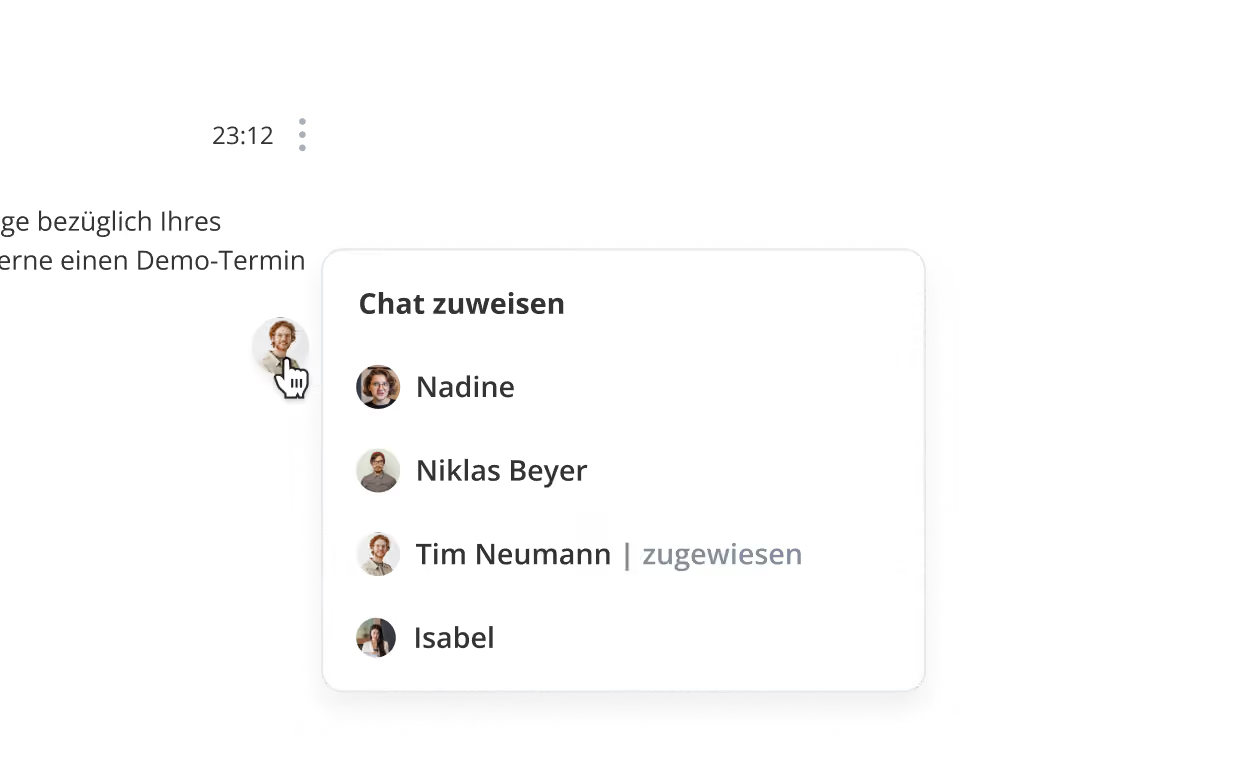
Efficient team allocation
Assign chats to specific team members or departments.
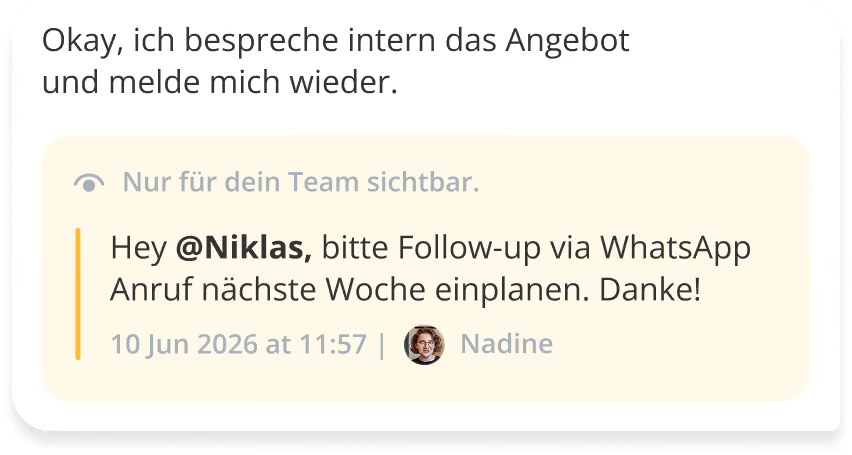
Internal Notes & Handover
Share contact details, background information, and notes directly in the chat.
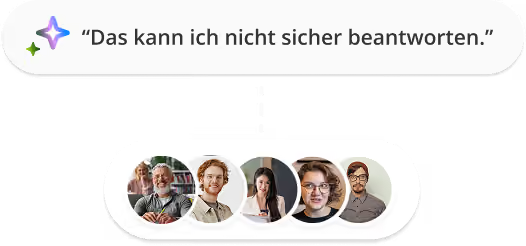
Answers around the clock, even when your team has called it a day.
Your team can't be available 24/7, but your AI agent can. Handle recurring questions, product information, and initial lead qualification automatically with AI, ensuring your customers never have to wait.
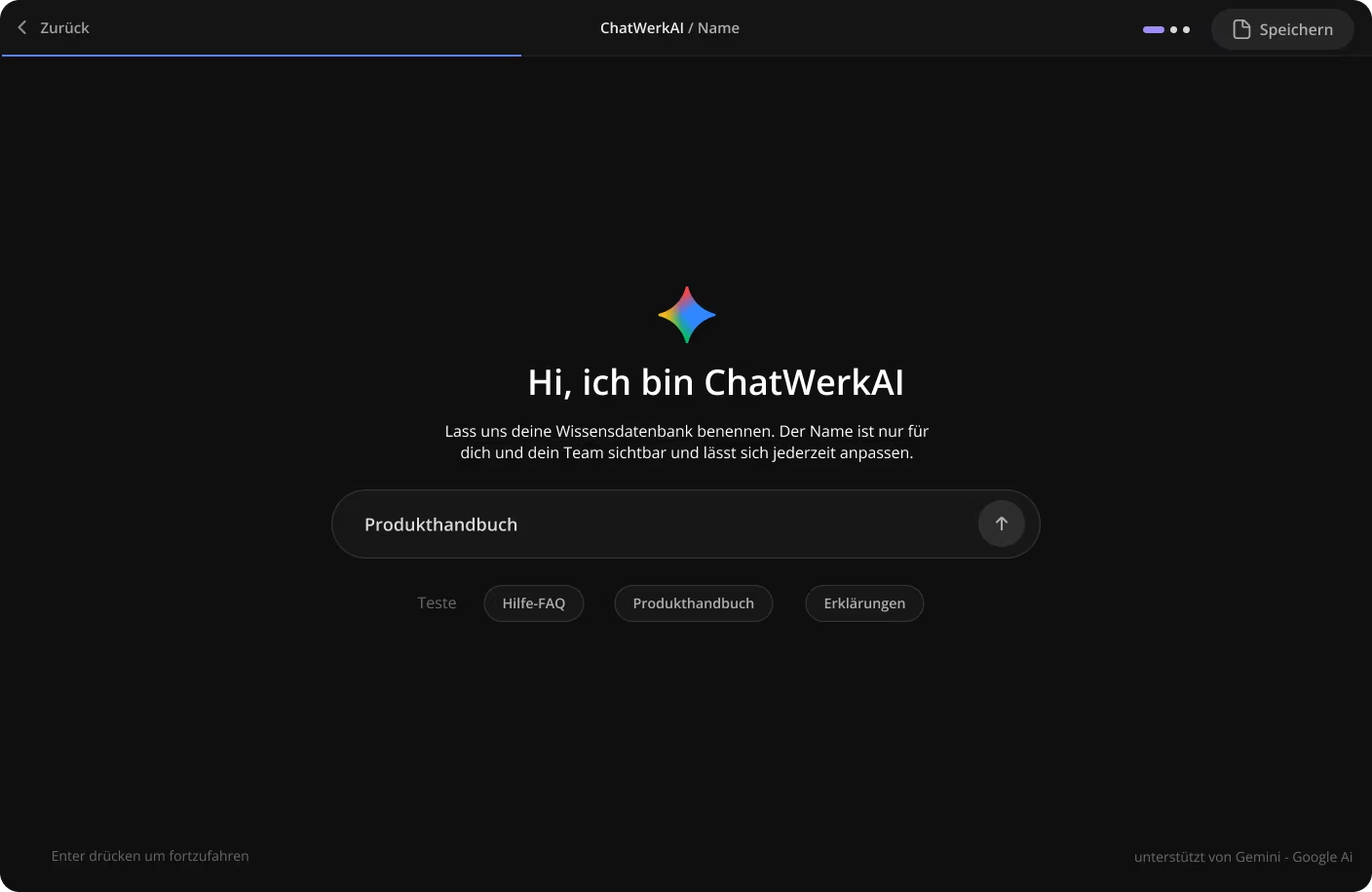
Live in 300 seconds
No developer required—you decide when the agent responds and when your team takes over.
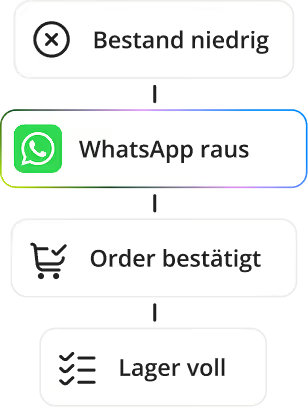
Automate workflows
Respond to inquiries faster and coordinate appointments directly via WhatsApp. That leaves more time for your projects.
Leave the routine to AI, the complex to the team
The agent answers questions about opening hours, pricing, or delivery status using your company knowledge base. Everything else is routed directly to your team.
Who is the WhatsApp Business API for?
Usually when more than one person needs to provide reliable responses or when WhatsApp needs to integrate with other systems. Check the boxes that apply to you.
Do any of these apply to you? Then you need the API.
The WhatsApp Business App is free and sufficient as long as one person is answering chats manually. As soon as a team, automation, or your own systems come into play, the Business API is the right way to go.
- Multiple employees answering via one number, each with their own login
- Inquiries should be answered around the clock via chatbot with handoff to the team
- WhatsApp should be connected to your CRM or shop
- You want to send newsletters to contacts with opt-in
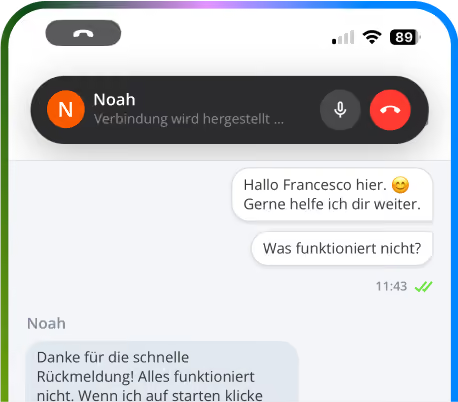
Meta provides the infrastructure. ChatWerk provides the workspace.

What is the WhatsApp Business API?
The WhatsApp Business API is Meta's official gateway that allows companies to use WhatsApp professionally with multiple team members, automations, and their own internal systems. Meta provides the infrastructure, while ChatWerk provides the workspace. Three key features fundamentally distinguish the API from the free WhatsApp Business app: the team inbox, WhatsApp newsletters, and automation. The WhatsApp Business app is sufficient as long as one person is handling chats manually. However, as soon as multiple employees need to respond from a single number, inquiries need to be answered around the clock, WhatsApp needs to be integrated with a CRM or shop system, or newsletters need to be sent to contacts with opt-ins, the WhatsApp Business API is the right solution.
Frequently asked questions about the WhatsApp Business API
For companies of all sizes and industries where multiple people communicate via WhatsApp, inquiries need to be processed in a structured manner, or WhatsApp needs to be integrated with automation, newsletters, or a CRM.
ChatWerk provides legally reviewed text templates for your privacy policy that you can incorporate into your existing statement. Please review the content with your data protection officer.
ChatWerk brings WhatsApp, Instagram, Facebook Messenger, Telegram, and live chat together in one inbox. RCS Business Chat is available at launch.
Yes, via the API. ChatWerk offers a HubSpot integration, a Zapier integration for many other systems, and its own API access.
No. With ChatWerk, you can set up the API without any programming and work directly in a ready-to-use inbox. For custom integrations, an API access is also available.
Not necessarily. You can use a new or existing landline or mobile number that can receive a call or text message for verification. In many cases, a number from the Business App can be transferred or used in parallel.
With ChatWerk, your WhatsApp number is connected to the API in about 90 seconds. Simply create an account, link your number via the guided Meta setup, and invite your team. Personal onboarding is included.
Templates are message templates approved by Meta that include placeholders. They are required for business-initiated messages and messages sent after the service window has expired, and are categorized into Marketing, Utility, and Authentication.
When someone messages you, you have 24 hours to reply freely. Every new message from that person resets the window. After that, you may only send approved message templates.
First, you collect consent from your contacts, submit a marketing template to Meta for approval, and then send it to your chosen segments via your provider. Sending newsletters without an opt-in is not permitted.
Not automatically. The API enables operation in compliance with data protection regulations, for instance because it does not access smartphone address books. The key factors are the legal basis and opt-in, data processing agreements, an adapted privacy policy, and clear access rights.
Use ChatWerk on as many devices as you like: in your browser, via the desktop app, or using our apps for iOS and Android. The number of users depends on your chosen plan.
Yes. Using the WhatsApp Business API and a platform like ChatWerk, any number of employees can work on a single WhatsApp number simultaneously, each with their own login and individual permissions.
Costs consist of Meta fees per delivered template message, which vary by category and country, in addition to the provider's software costs. Responses within the 24-hour service window are free of charge on Meta.
The app runs on a smartphone and is designed for small businesses. The API does not have its own interface and is used via a provider. It allows for multiple users with individual logins, chatbots, newsletters to contacts with opt-in, and CRM integrations.
The WhatsApp Business Platform is Meta's offering for businesses. It includes the WhatsApp Business API (now usually referred to as the Cloud API, hosted directly by Meta), message templates, policies, and billing. The free WhatsApp Business app is not part of this; it runs on a smartphone without an interface to other systems.
The WhatsApp Business API is Meta's official gateway that allows companies to use WhatsApp via software instead of a single smartphone. This enables multiple employees to message from one number, automates communications, and integrates with systems like a CRM. The API does not have its own interface. Companies access it through a provider like ChatWerk, which manages the connection to Meta and provides a ready-to-use inbox.